QUICK OVERVIEW
What to take away from the article
- Request technical parameters for a specific product and printer.
- Judge the resolution by the final size, not by a single number in the file.
- Appearance approval and printability review are two separate steps.
Start with the manufacturing specification
Before preparing the graphic, you need the final size, orientation, material, number of pieces and method of completion. In the case of the banner, edging and the location of the eyelets are added, in the case of the label, the shape of the cutout, and in the case of the sticker, the conditions of application. Visually similar products may not have the same technical requirements.
Have the supplier confirm the bleed, safe zone, color profile and required PDF type. A value of 3 mm or a resolution of 300 PPI is not a one-size-fits-all answer for every product. A billboard viewed from a distance and a small label read by hand have different demands. If the assignment does not yet have this data, submit it as a draft, not as final print data. You can find a more detailed order procedure in the article on materials for advertising production and installation.
The bleed is not a safe zone
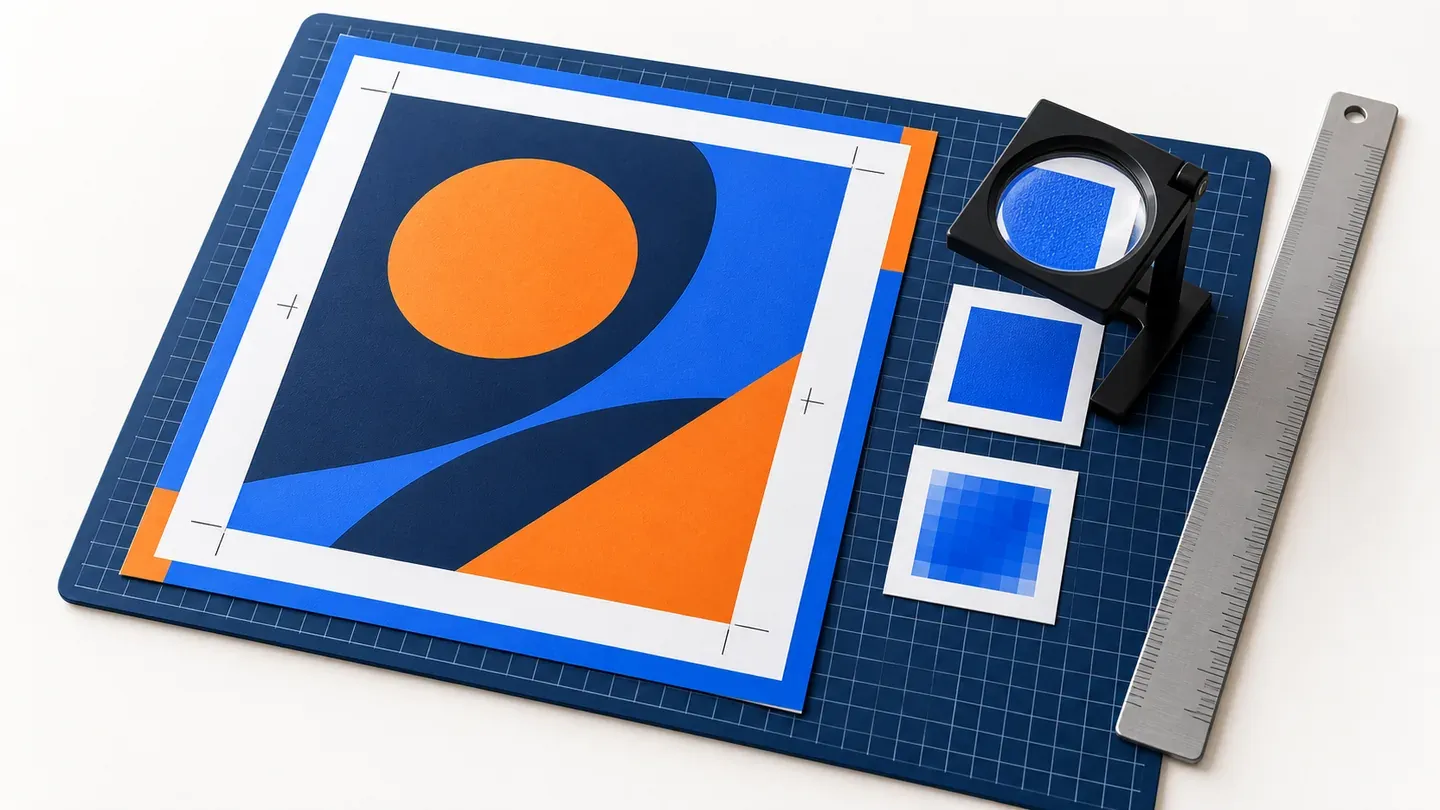
Bleed is the overhang of the graphic beyond the final cut line. It helps prevent a white edge when the cut fluctuates slightly. The safe zone, on the other hand, is a space towards the inside of the product, where important texts, logos and contacts should remain. So the background continues outwards, keeping important content away from the edge.
For a product with a hem, tunnel, opening or cut-out, take these interventions into account as well. The text can be far enough away from the cut but still interfere with the eyelet or crease. Prepare the cutting line according to the production instructions and clearly distinguish what is to be printed and what is just technological information. If the design of the product changes, also check the graphics again.
| Area | Postup | What to check |
|---|---|---|
| Clean format | The resulting size of the finished product. | The graphic is prepared including the borders as the final dimension. |
| bleed | Background overlap for the cut according to production requirements. | A white band or repeating border instead of continuing the background. |
| Safe zone | Internal spacing of important content. | Telephone number at the point of the eyelet, cut or fold. |
PPI, DPI and resizing conversion
PPI expresses the number of pixels per inch of the photo in the resulting size. DPI describes the resolution of the printing device; the high DPI of the printer will not create the missing details in a small photo. A vector logo behaves differently than an embedded raster photo, so they must be checked separately.
A model image 3000 pixels wide has an effective resolution of approximately 152 PPI when printed 50 cm wide: 3000 / (50 / 2.54). At 100cm wide, it drops to around 76 PPI. Merely rewriting the resolution number without adding the actual image information will not restore the quality. If the document is prepared in a scale of 1:10 and has a raster of 300 PPI at this size, after a tenfold increase, 30 PPI will remain.
The acceptable value is determined by the format, motif, material and viewing distance. When in doubt, ask for a cutout in the final size. This can show the problem more accurately than a zoomed-in view of the entire banner.
Colors, fonts and PDF export
Use the export set for printing and the profile agreed with production. Adobe recommends checking for missing fonts, low resolution, and overflowed text when preparing printable PDFs; suitable preset and color settings depend on the output. PDF/X is a way of standardizing data exchange, not a guarantee of correct content.
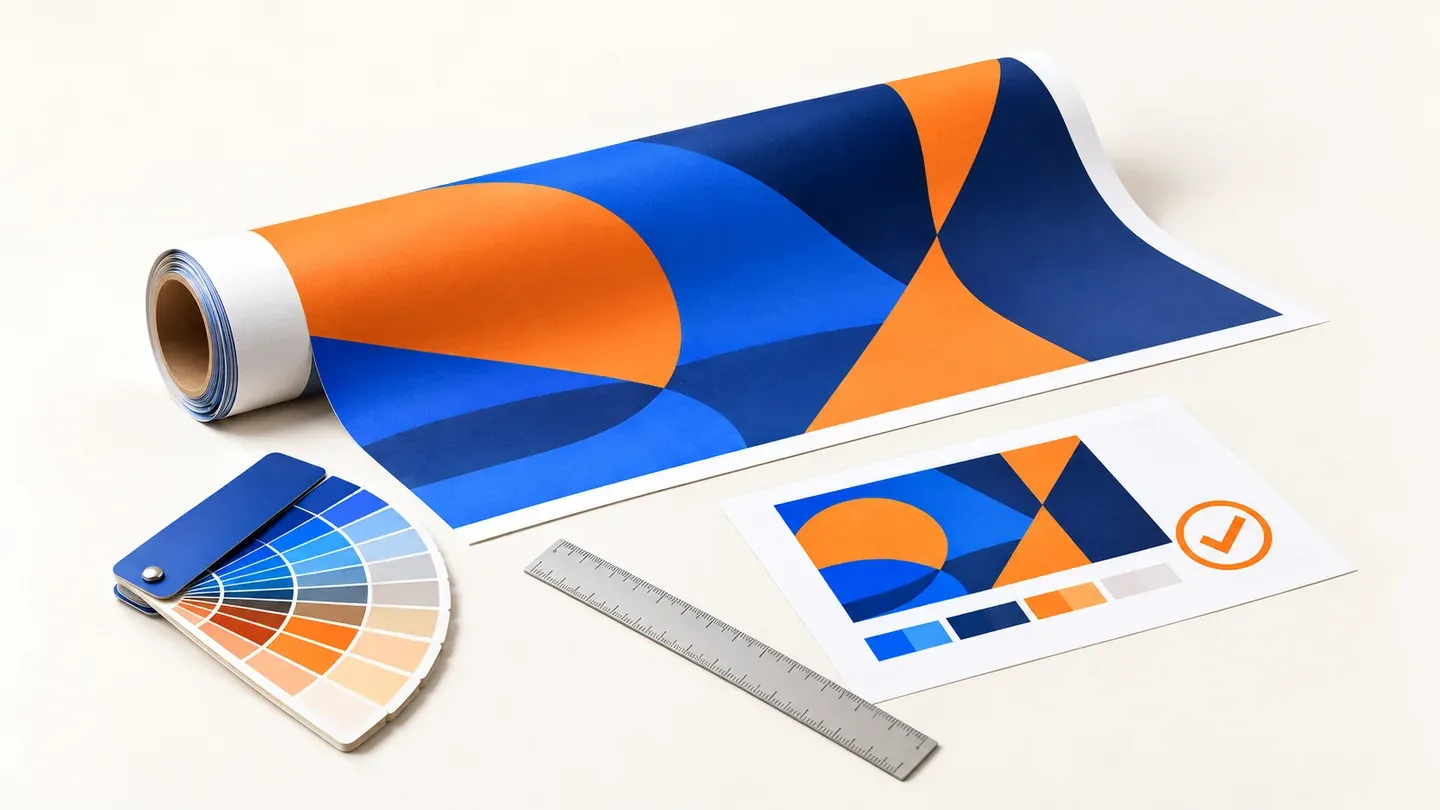
For a corporate color, send a specification of it and say where the match is critical. Monitor, paper, textile and translucent material may display color differently. If the exact result is important, agree on the sample and approval method. Do not blindly convert all colors multiple times between profiles. For fonts, verify their correct insertion or another agreed procedure; converting text to curves is not a substitute for proofreading.
Two approvals and one valid version
The customer approves the text, prices, contacts, layout and scope of delivery. Production checks whether the data corresponds to the technology. These steps are complementary. The technical check does not verify that the phone number is indeed correct, and the customer's consent does not correct the missing amount.
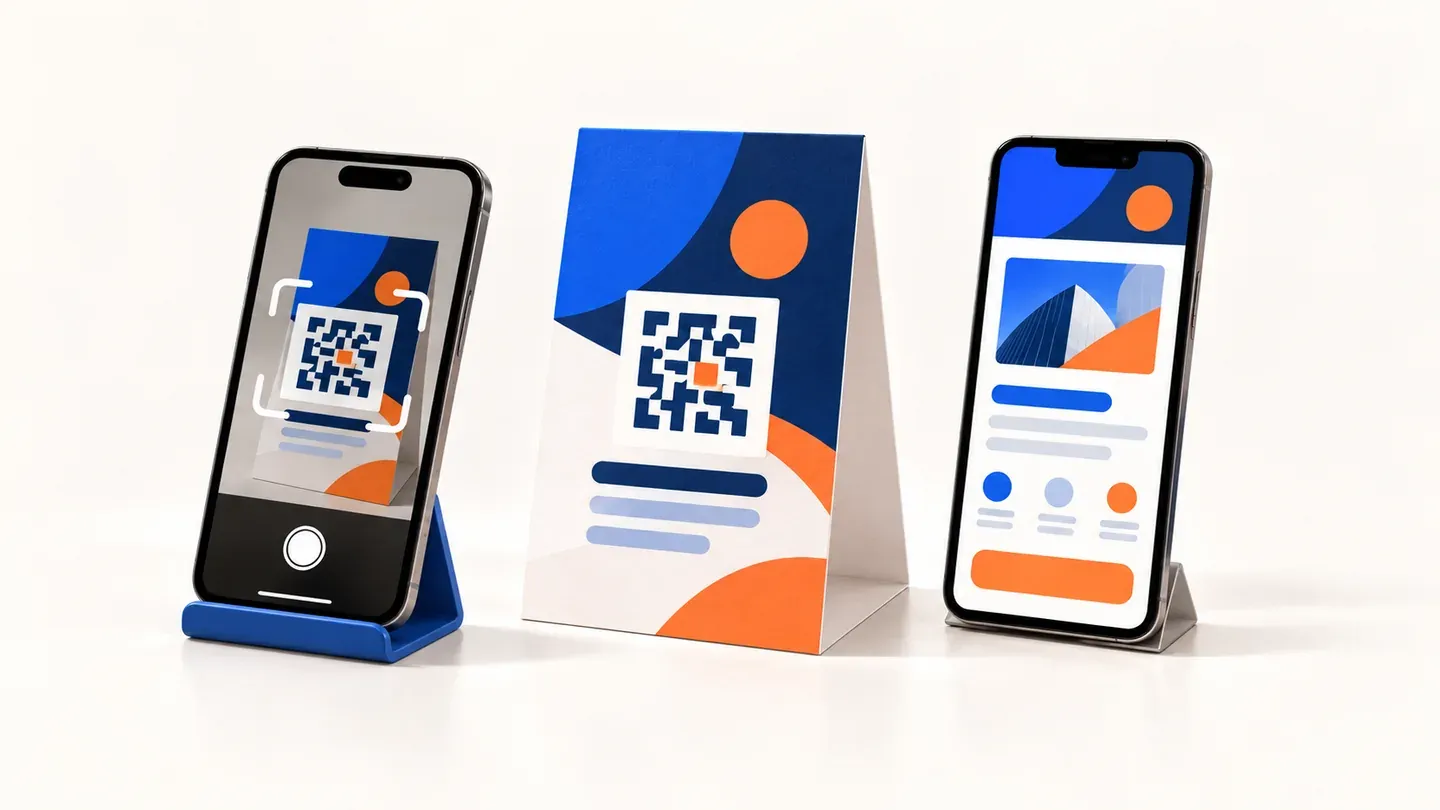
Use a unique file name, version number, and approval record. After approval, the additional modification of the logo must not silently replace the production background. The new version must pass the relevant inspection again. For the QR code, try the real size and contrast on the sample; we discuss the content and measurement of the target page in the guide to offline advertising with QR codes.
- Verify final size, scale and number of pages.
- Read contacts, prices, diacritics and small texts.
- Review photos, fonts, cut and technology elements.
- Save the exact approved file for the order and confirm the production date.
What to send to the manufacturer along with the PDF
Attach a brief entry: product, quantity, net dimension, material, finish, agreed scale and designation of approved version. Specify whether a preview or sample is expected and who can approve it. Differentiate the delivery date from the date of dispatch to production.
If the supplier finds a problem, ask for a specific description and location in the file. The fix will be faster than the generic "PDF is no good". For repeated orders, keep the approved data and parameters, but re-verify the contacts and the up-to-dateness of the offer. Printing last year's error will not be improved by automation.